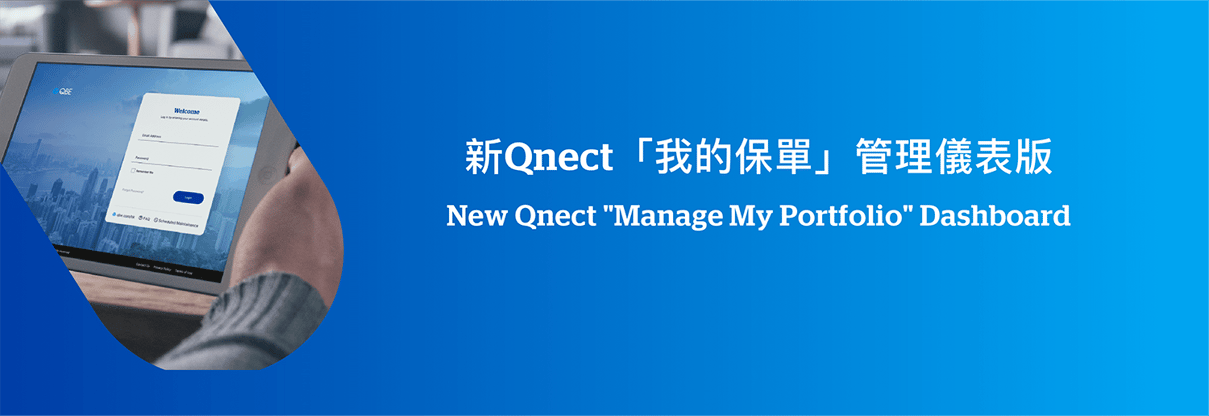
New “Manage My Portfolio” Dashboard

My Portfolio dashbaord


From 7th April 2021, a new “Manage My Portfolio” dashboard is introduced on Qnect will enhance the existing functions of some existing pages.
 

dashboard


Let’s visit Qnect: https://partner.qbe.com/hk/ or refer to the below materials for more details!


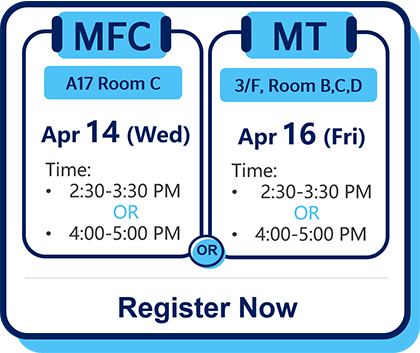
We would like to cordially invite you to attend the briefing session. Please click here to register now!


Briefing

Qnect “Manage My Portfolio” Dashboard

Introduction of the functionalities &Demo

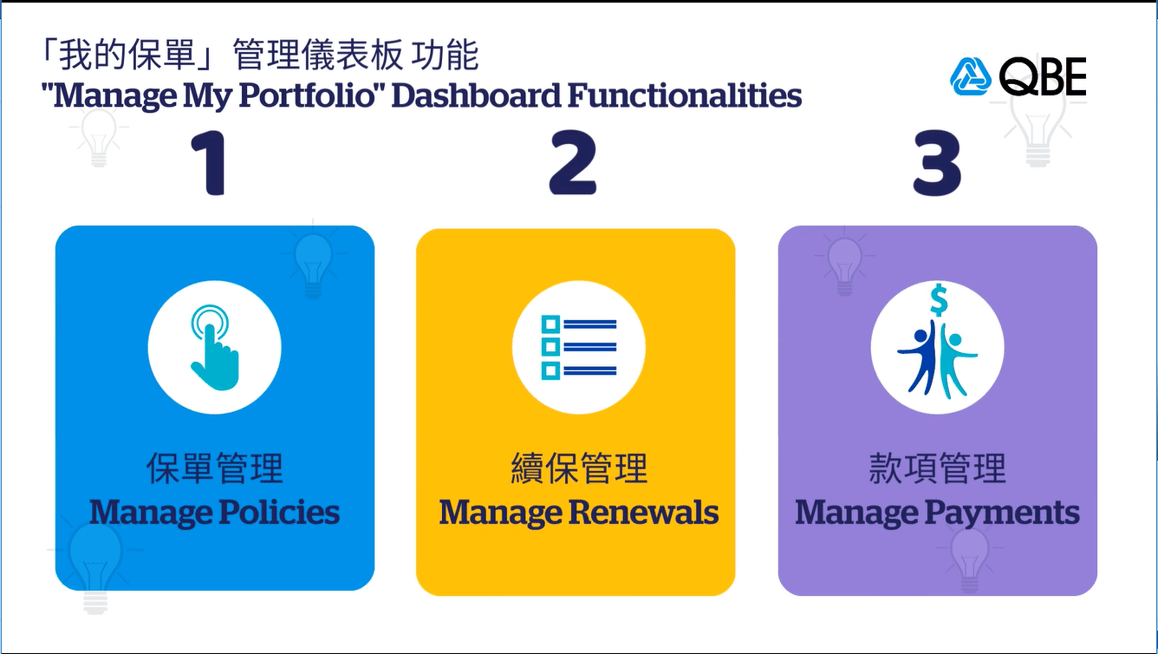
  1. Manage Policies
  2. Manage Renewals
  3. Manage Payments
briefing session 


Summary of New Functions:


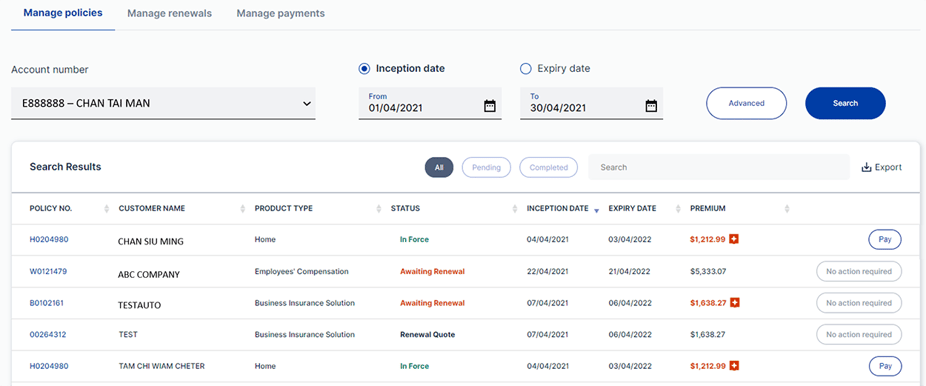
1. Manage Policies 

policy

  • Monitor your portfolio including policies, quotes and cover notes 
  • Search Policy by policy status, product type, inception date, expiry date or customer name
  • View the latest policy year premium
  • Settle outstanding premium by using “Pay Fast”


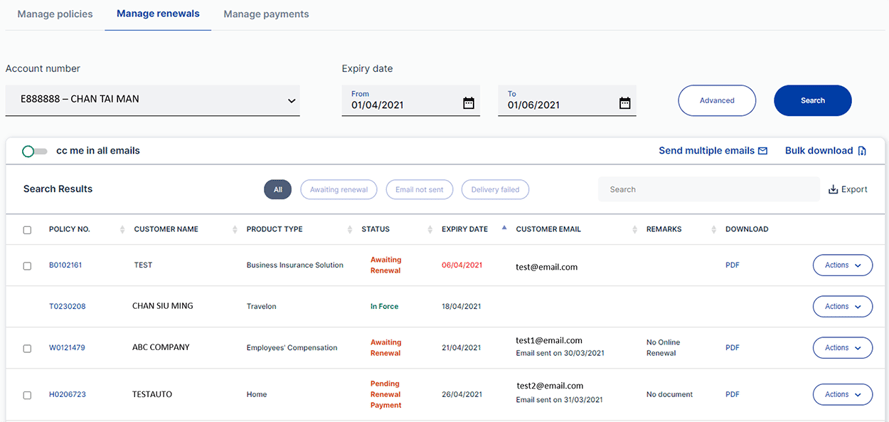
2. Manage Renewals 

renewal

  • Search the full list of expiring policies 
  • Download renewal notice and send the renewal notice emails to your customers
  • Customers can pay and confirm the renewal via the payment link on the email (Applicable for all personal product and Qnect products)


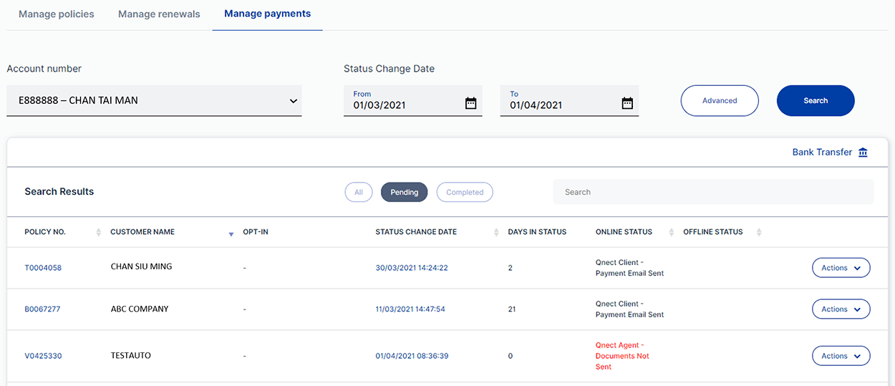
3. Manage Payments 

payment
  • View all online & offline payment status 
  • Notify QBE Finance about the payment transaction details


If you have any questions, please reach out to your respective relationship manager or account handler.


Thank you for your continued support!

If you have any questions, please contact your dedicated Relationship Manager.


Thank you for your continued support!